When to Use No-Code vs Custom Software
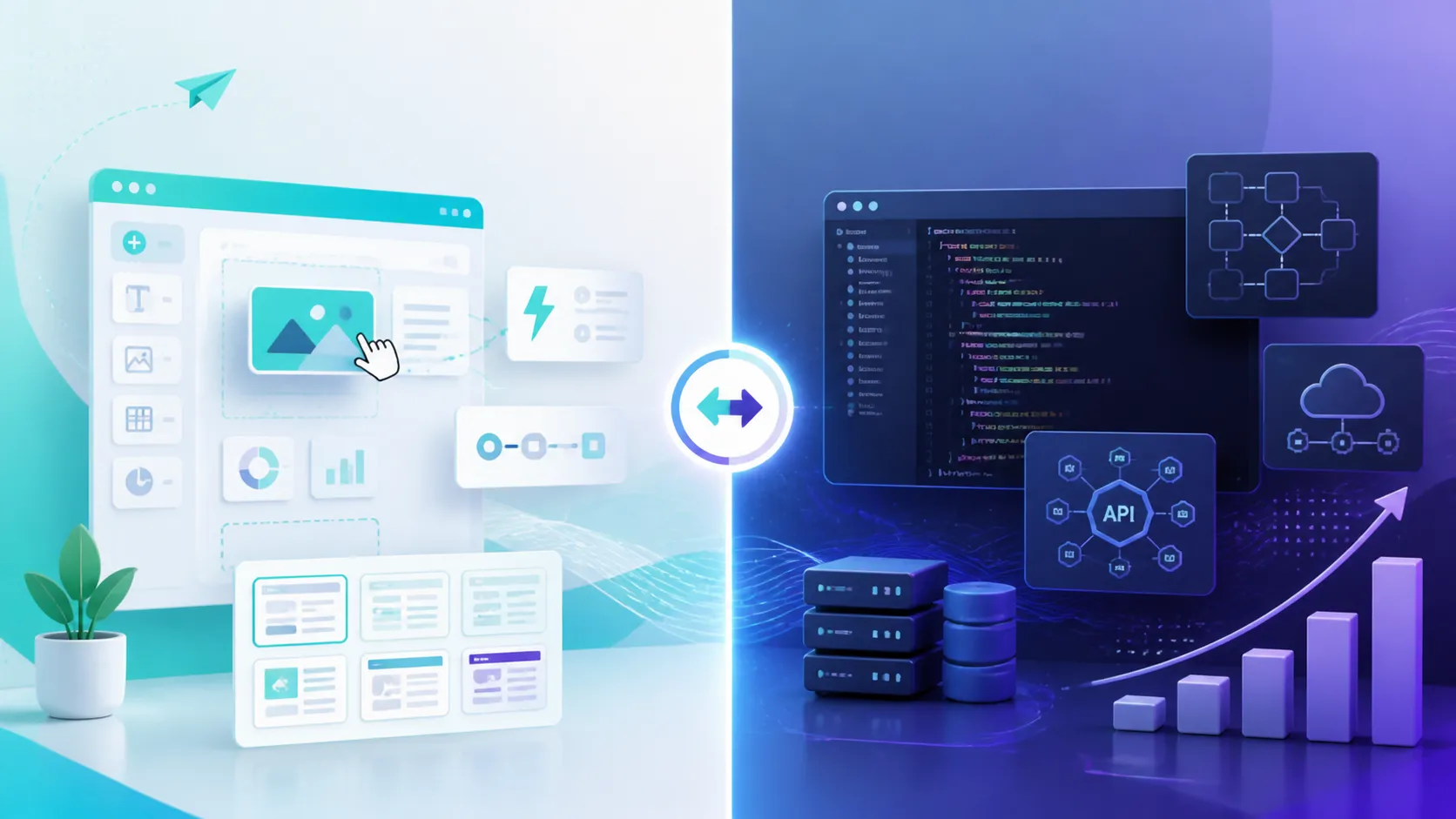

No-code tools have gotten genuinely good, and for a lot of business problems, they're the right call. The mistake is treating this as a hierarchy where custom software is always the "real" answer and no-code is just a cheaper compromise. It's not a hierarchy, it's a fit question, and getting it wrong in either direction costs you, either in wasted budget on something you didn't need, or in months spent fighting a tool that was never built for your process.
No-code is right when your workflow is close to standard and the platform's built-in patterns already match what you need. Custom software is right when your process is specific enough that you're constantly bending a no-code tool to fit, rather than the tool actually fitting you.
The core advantage is fit: the software is shaped around how your business actually operates, not the other way around. You also own the codebase outright, which means no per-seat pricing creep and no risk of a vendor deprecating a feature you depend on. And critically, a custom system can be connected to exactly the tools you use, your CRM, your inventory system, even an AI agent layered on top through something like an MCP server, in a way a generic no-code platform usually can't support cleanly.
| No-Code | Custom Software | |
|---|---|---|
| Best for | Standard, common workflows | Specific or unusual processes |
| Speed to launch | Days to weeks | Weeks to months |
| Cost at scale | Can rise quickly with users or records | Higher upfront, flat to operate after |
| Ownership | You rent the platform | You own the codebase |
| Deep integrations | Limited to platform's connectors | Built to connect to anything you run |
You don't have to choose once and live with it forever. A common and sensible path is validating a workflow in a no-code tool first, proving it's worth investing in, and then rebuilding it as custom software once you've outgrown the platform's limits or the cost curve stops making sense. The mistake is staying on no-code purely out of inertia once it's clearly become the bottleneck, see our piece on signs your business has outgrown a manual tool for the same logic applied to spreadsheets.
Upfront, usually yes. Over time, not necessarily, no-code pricing often scales with users or records, while custom software has a higher initial cost but a flatter cost curve afterward.
Yes, and it's a common path. Validating a workflow in a no-code tool first, then rebuilding it as custom software once it's proven and you've outgrown the platform's limits, reduces the risk of building something custom that turns out to be the wrong fit.
When you find yourself working around a no-code platform's limitations more than you're using its actual features, that's usually the clearest signal the workflow has outgrown the tool.
Generally yes, weeks to months rather than days, but that investment buys a system shaped exactly around your process instead of one you're adapting your process to fit.
Get a free AI audit and we'll give you a straight answer, no-code, custom, or a mix of both.
Get Free AI Audit